
Your satay. Their lime juice. Split fairly.
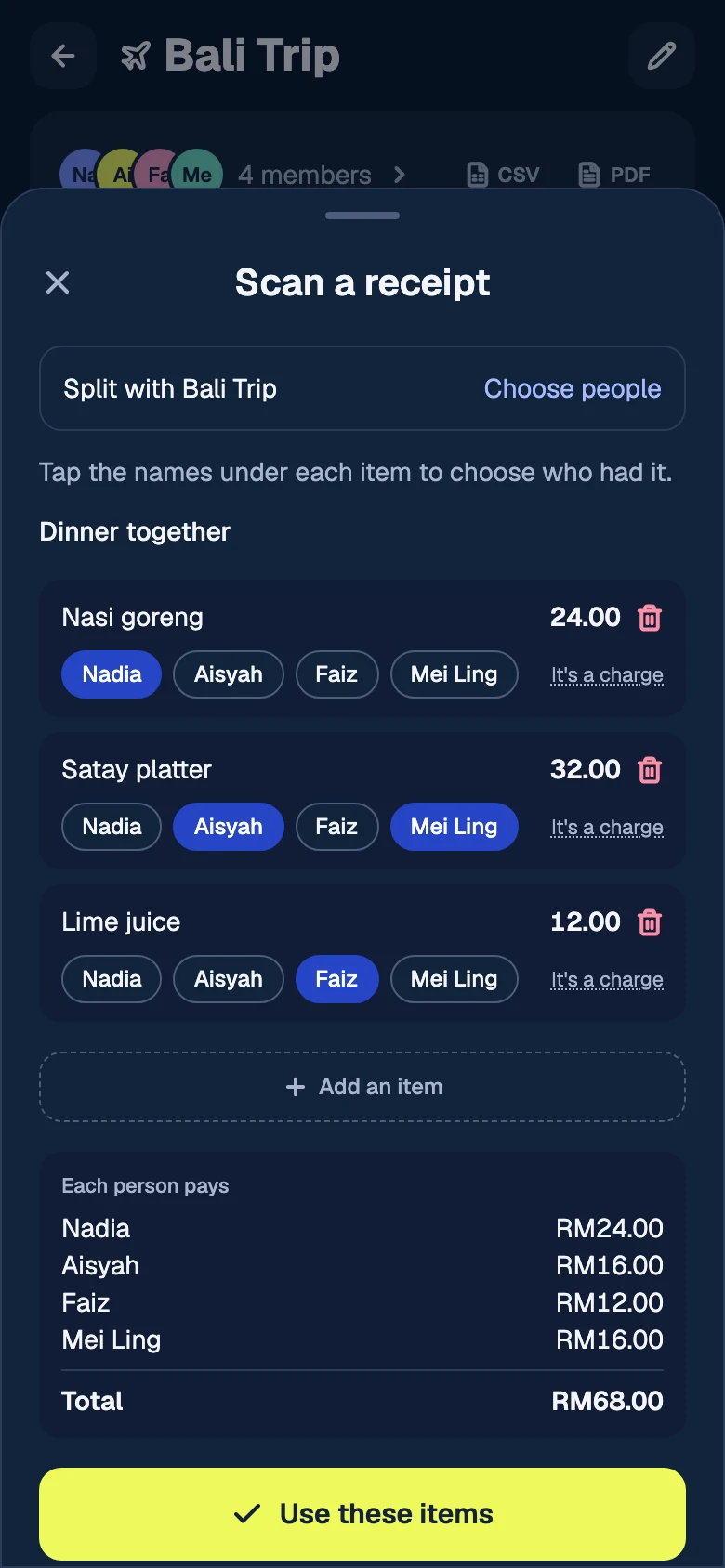
Scan the receipt and tap who had each item. Or split equally, by shares, exact amounts, percentages or adjustments — then edit it later and watch the balances recalculate.
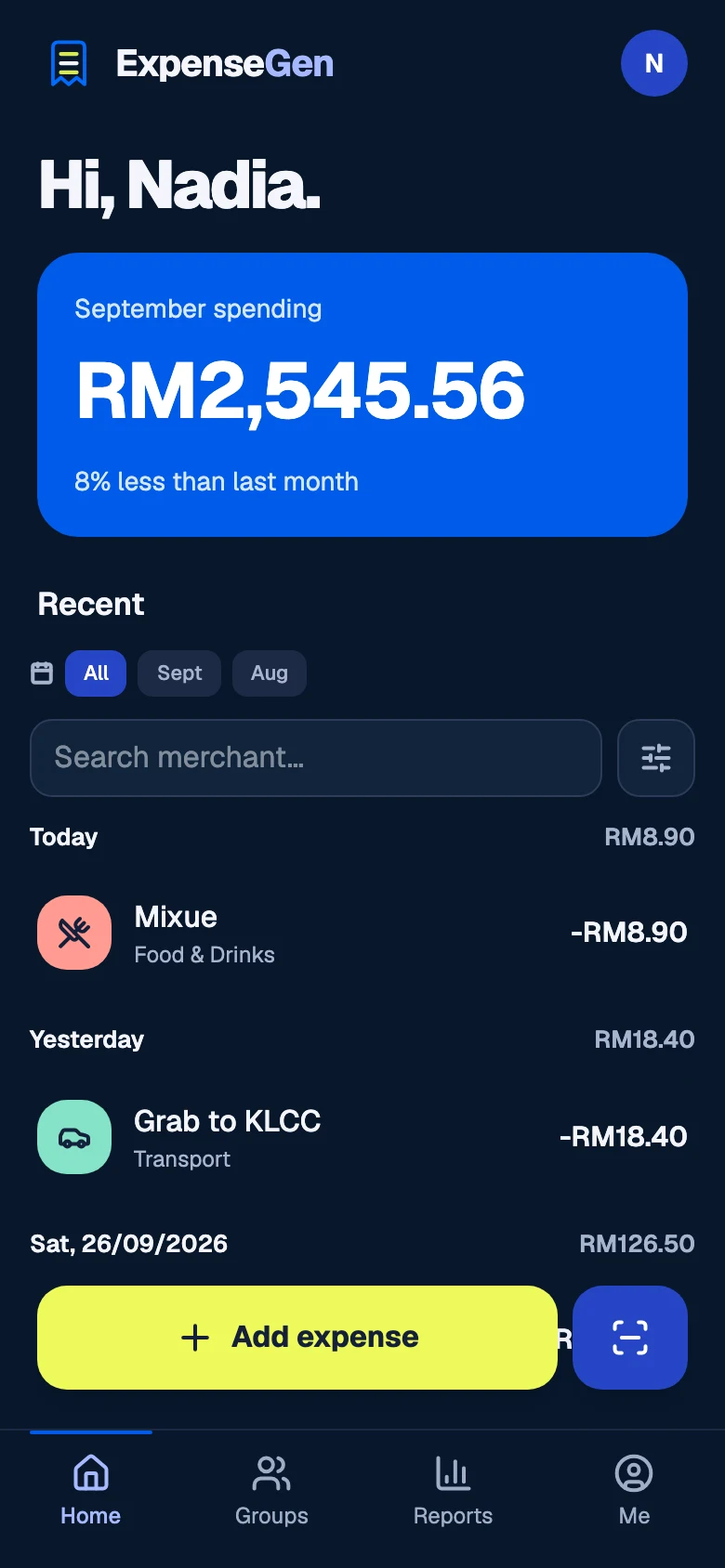
Track what you spend, work out who owes whom, and settle up with your own banking app. From your morning coffee to the whole group's weekend away.
Ringgit by default. No card required to get started.
Every split is computed to the sen and always sums back to the total. 22.50 + 16.50 + 16.50 = 55.50
Amount, merchant, category — then it's done. Your everyday spending and your share of group bills live in one place, and a trip you split is still money you spent.
Scan the receipt and tap who had each item. Or split equally, by shares, exact amounts, percentages or adjustments — then edit it later and watch the balances recalculate.
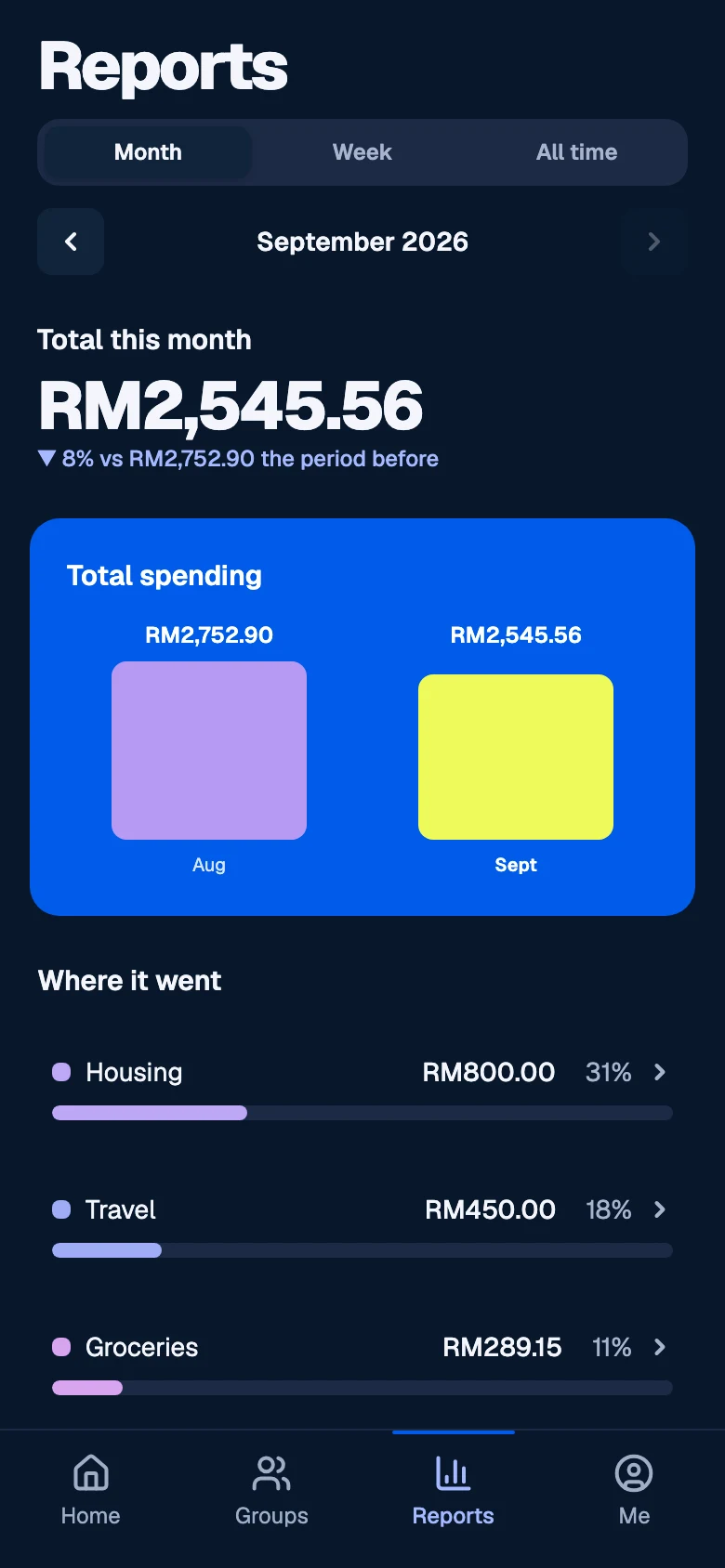
By category, by week, by month — including your share of group expenses. Compare periods, open a category, export to CSV or JSON.
Track, split and settle without a trial timer. Unlimited expenses, and 100 AI credits a month: a receipt scan uses 4, an assistant reply 1.
No bank connection. No money moves through ExpenseGen — payment happens in your own app.
Export everything, any time, free. Delete your account and the data goes with it.
Add an expense, add the people who were there, and keep everyone's share clear.
Create a free account →A bug, a split rule we don't handle, a bank whose QR misbehaves — send it over. We read everything.